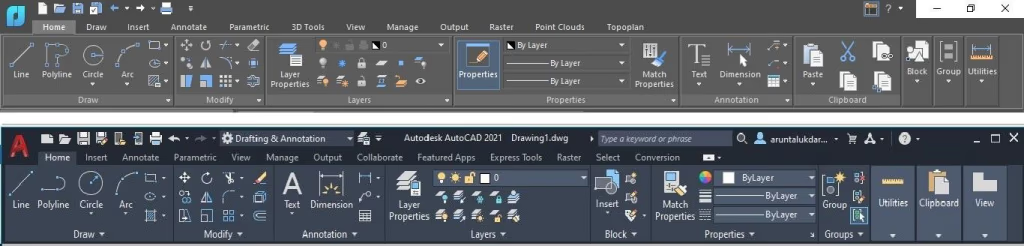
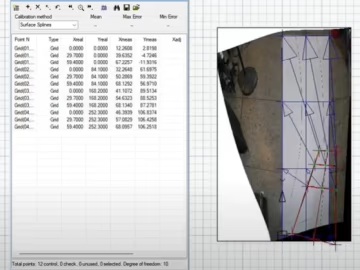
In this community tutorial, a nanoCAD user shows how to build reports from drawing objects and create tables using external databases, CSV files and Excel workbooks. They also demonstrate how to export a table to Excel and bring it back into the drawing.
In one example, the user edits blocks in an architectural drawing. The object report updates automatically to reflect the changes.
Thanks to the community member who shared the tutorial and these examples.