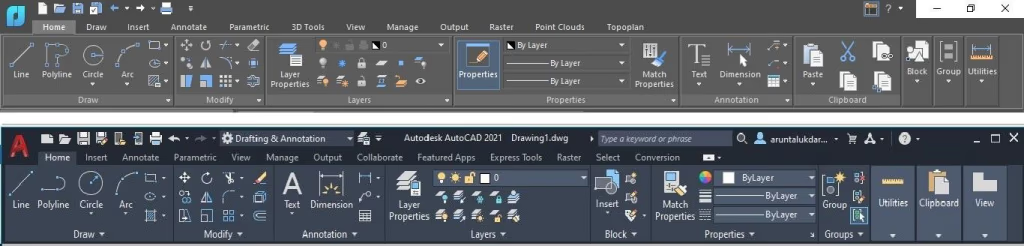
Moving from AutoCAD to nanoCAD
Bring your command aliases, fonts, templates, plot styles, tool palettes and libraries with you when you move from AutoCAD to nanoCAD.
Read articleDrafting guides, product news and stories from nanoCAD users.
Bring your command aliases, fonts, templates, plot styles, tool palettes and libraries with you when you move from AutoCAD to nanoCAD.
Read articleBring your command aliases, fonts, templates, plot styles, tool palettes and libraries with you when you move from AutoCAD to nanoCAD.
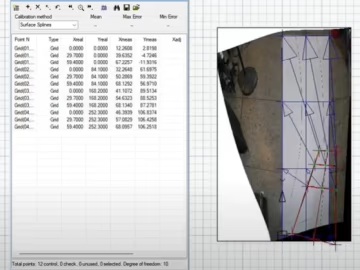
Photographing a large drawing introduces distortion. This video shows how to correct the photo in nanoCAD Raster and turn it into a file for a laser cutter or 3D printer.
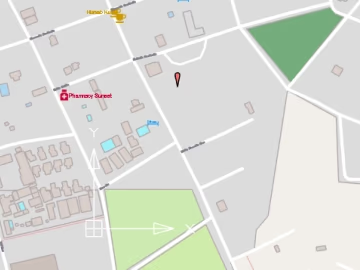
Add online maps to a nanoCAD drawing. See how to load vector maps, raster maps and terrain data, then adjust how they appear in your project.
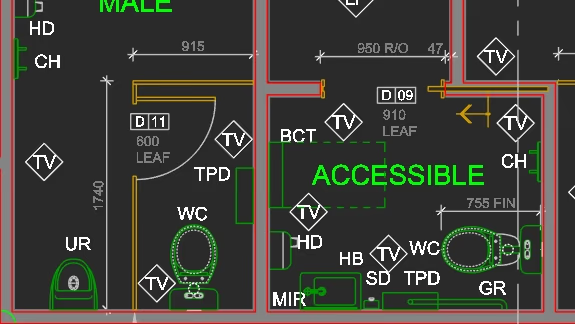
Use the Universal Note to pull information from a drawing and build schedules and specifications, even if you have never programmed before.

A developer who works on nanoCAD Construction and Mechanica shares shortcuts for the repetitive tasks that take up an engineer’s day.

Build a table from drawing objects, keep it up to date as the drawing changes and export the results to Excel.

A nanoCAD Free user demonstrates how they draw radio-controlled aircraft and drones.

Turn a scanned template or a photograph of a part into a DXF outline for a laser cutter or 3D printer.

This tutorial uses ChatGPT to write a LISP routine for nanoCAD, starting from a description of the task in plain language.

Build a library of reusable blocks, attach attributes to them and turn the attribute values into a report.

Parametric models capture the relationships between dimensions so you can adapt an existing part instead of redrawing it. This article shows how that works in Mechanica.

Fill a series of numbers automatically, apply standard table borders and use other small shortcuts that save time in a drawing.

This walkthrough installs nanoCAD Platform 22 on Ubuntu 22.04 LTS using Wine 7.11 Staging.

Large-format scans often distort the original. Calibration corrects nonlinear distortion in scanned drawings, survey plans and maps.

A knifemaker considers where CAD fits into a handmade craft and reviews the drawing software they use.

Refer a friend or colleague and choose a 5% reward or a 10% discount toward your next nanoCAD license purchase.

A makerspace describes its experience with nanoCAD, its AutoCAD-compatible interface and the community tutorials it used for a laser cutter upgrade.

The right hatch can convey volume, light and texture. This article shows how a technique familiar to artists translates to a CAD drawing.

Mechanical CAD has come a long way since the drafting board. Follow a conveyor project from 3D parts and assemblies to production drawings and bills of materials.

AutoCAD has dominated drafting since the 1980s. DWG-compatible alternatives now have loyal users of their own. What makes nanoCAD worth a look?

Paper drawings fade and change shape in storage. This example shows how to clean up a scan and recover the geometry you need.

Bolts, screws and studs are common in machinery. Rivets are widely used in shipbuilding and aviation. See how Mechanica represents these joints in a drawing.
There are no articles in this category.